The Consent Mode Monitor Chrome Extension provides a fast and streamlined way to validate Google Consent Mode v2 directly within your browser!
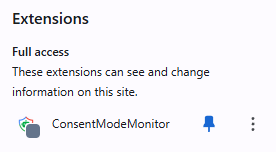
Install the extension from the Chrome Web Store. After installation, pin it to your browser toolbar for quick access.
Navigate to the webpage you want to analyse. The extension works instantly on any site you visit.
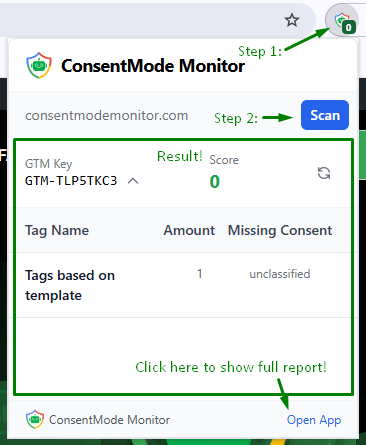
Click the Consent Mode Monitor icon and press Scan.
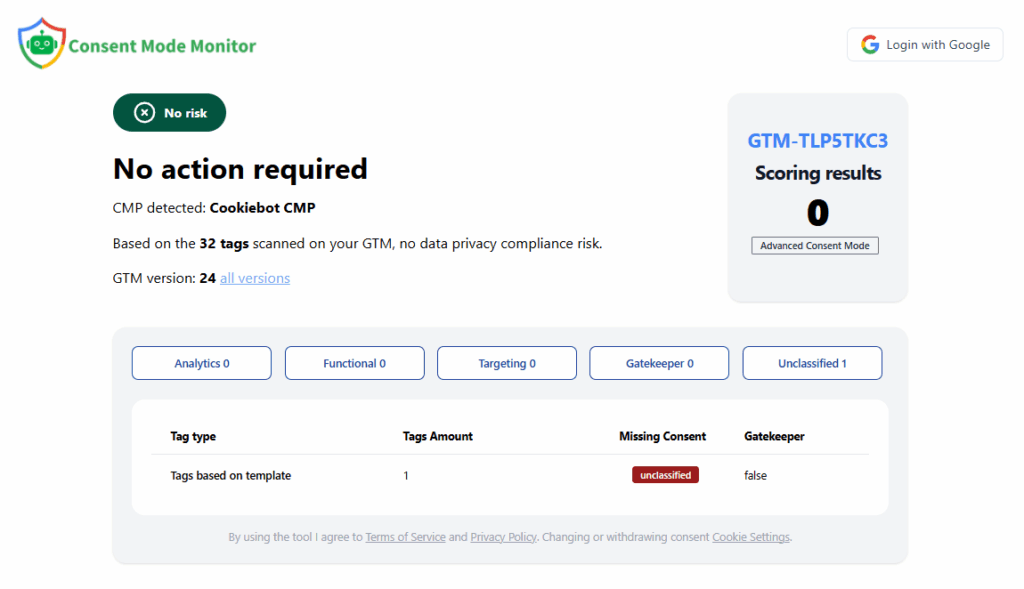
Click the Open App button to access a full breakdown of the report.