Consent Mode technical checks
Review whether Consent Mode V2 appears to be configured correctly.

Get a practical way to spot consent-related tracking gaps in your GTM setup and reduce blind spots before they become bigger problems.
Built for teams working across privacy, compliance, analytics, and tag governance.
Get a practical way to spot consent-related tracking gaps in your GTM setup and reduce blind spots before they become bigger problems.
Built for teams working across privacy, compliance, analytics, and tag governance.
Get a practical way to spot consent-related tracking gaps in your GTM setup and reduce blind spots before they become bigger problems.
Built for teams working across privacy, compliance, analytics, and tag governance.
Use the Masters of Privacy offer to get started with Consent Mode Monitor and review your setup with confidence.
Sign in to Consent Mode Monitor with the Google account that has access to the Google Tag Manager container you want to use for ongoing scans.
Complete the form to request your 3 months of free access so we can apply the offer to the Consent Mode Monitor account you plan to use for your tracking setup.
Look out for your access email from hello@consentmodemonitor.com, then use your upgradedr account to start ongoing scans and review your setup.
Everything you need to run technical checks, review findings, and understand where your setup may need attention.
Review whether Consent Mode V2 appears to be configured correctly.
Identify tags with missing or incorrect consent-related settings.
See affected tag counts, issue types, and whether action is required.
Highlight gatekeeper tags where relevant to help teams review downstream impact.
Use the findings to guide internal fixes, audits, or follow-up remediation.
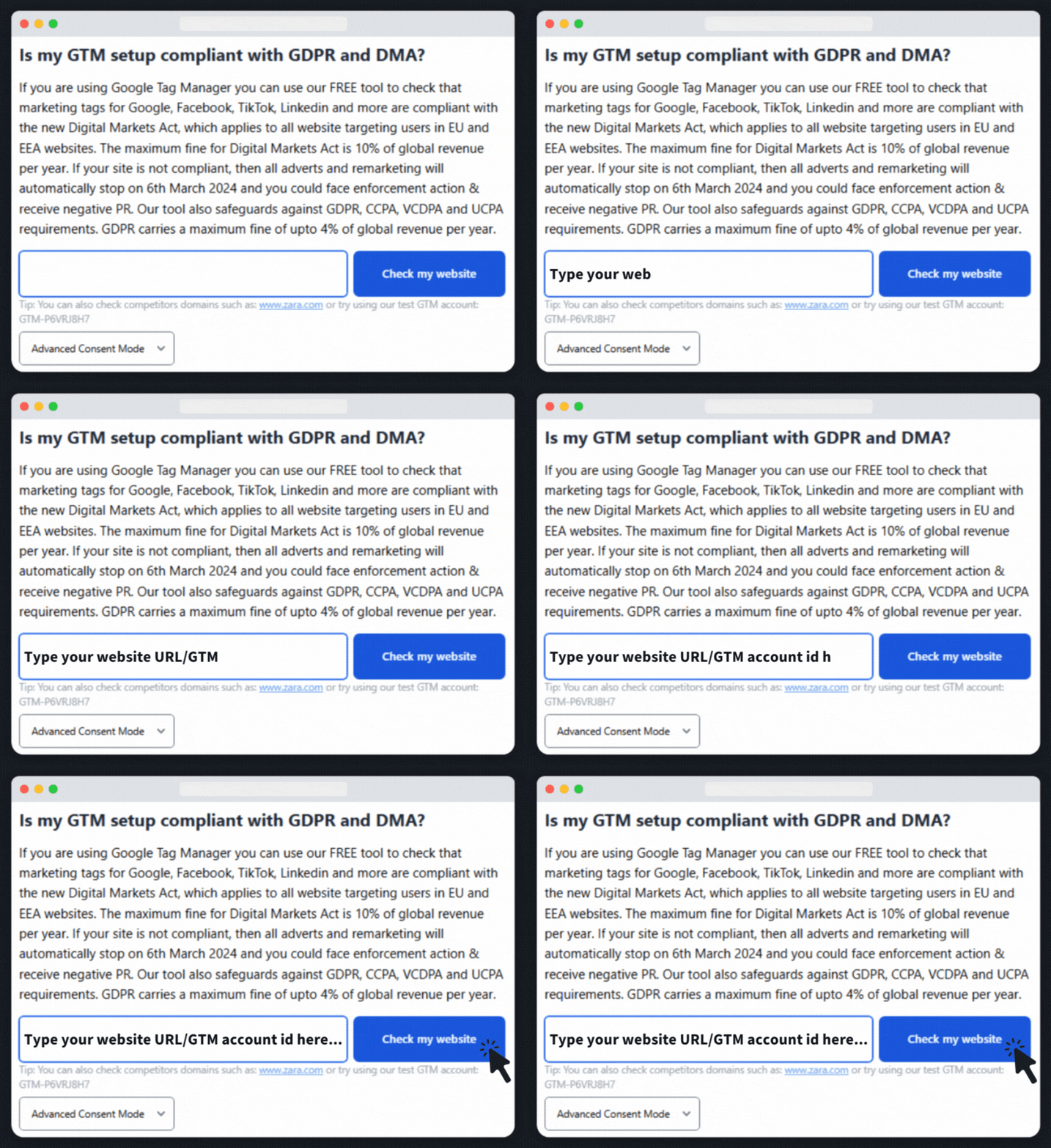
Enter a domain or GTM Container ID and press Scan. We map tags to consent, flag misfires, and propose one-click fixes in a safe GTM workspace.
Enter your domain name or your Google Tag Manager (GTM) container ID and click Check my website.
Note: Some CDNs/WAFs (e.g., Cloudflare) block remote scans. If that happens, enter the GTM container ID or use our Chrome extension.
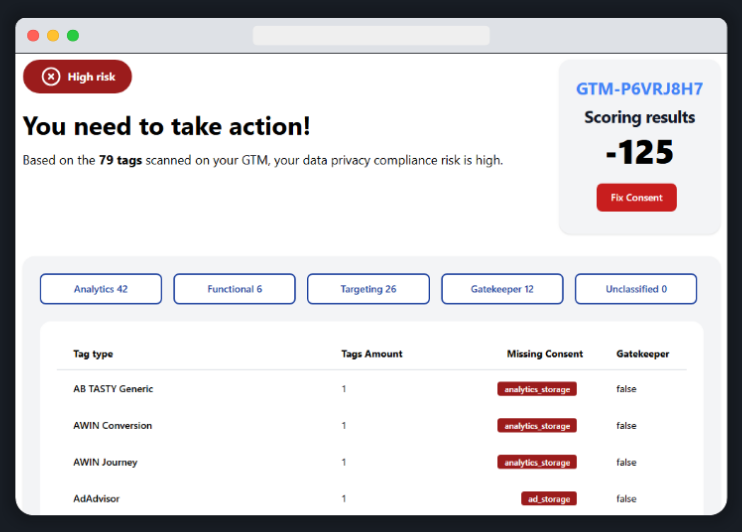
Pop in your email address to get the report. We parse your GTM container and show which tags are missing or mis-mapped consent, grouped by Analytics, Functional, Targeting, Gatekeeper, and Unclassified.
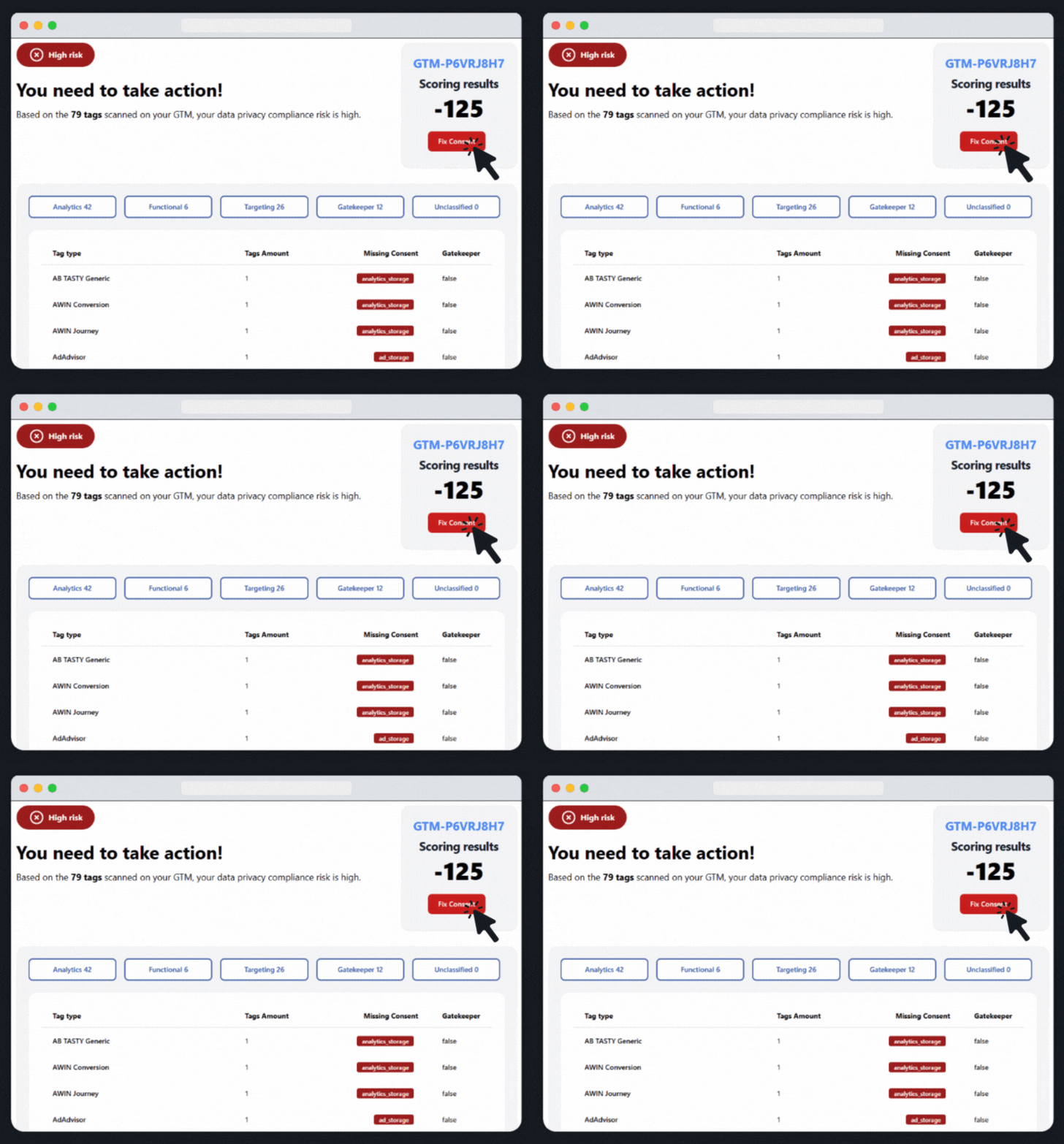
Hit the Fix Consent button, and in the following steps, we generate a safe GTM workspace. Recommended changes map tags to Consent Mode V2 and apply the right gatekeeper logic.
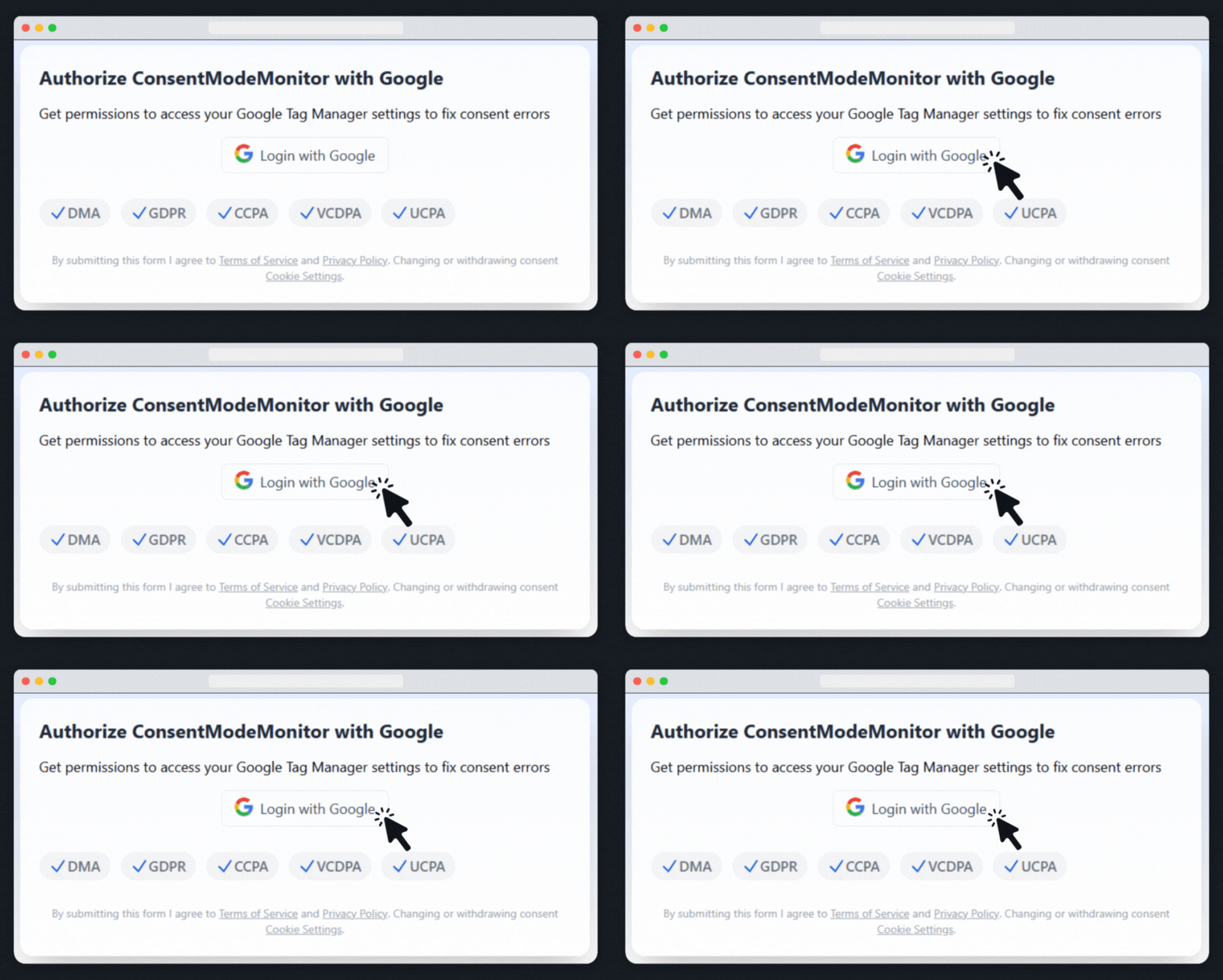
Authorise with a Google account that has at least Approve access to your GTM. Set up continuous monitoring for your GTM containers. Get instant alerts when changes are detected, ensuring your tracking stays healthy.
Some CDNs and WAFs block remote scanners. The Consent Mode Monitor Chrome extension runs the same audit locally in your browser, so you still see missing consent and mis-mapped tags without being blocked.